Free
$0
A household getting organized
- 300 items
- 50 photo scans a month
- One home, one group
- Try one estate: 3 people, 100 items
Sharing & groups
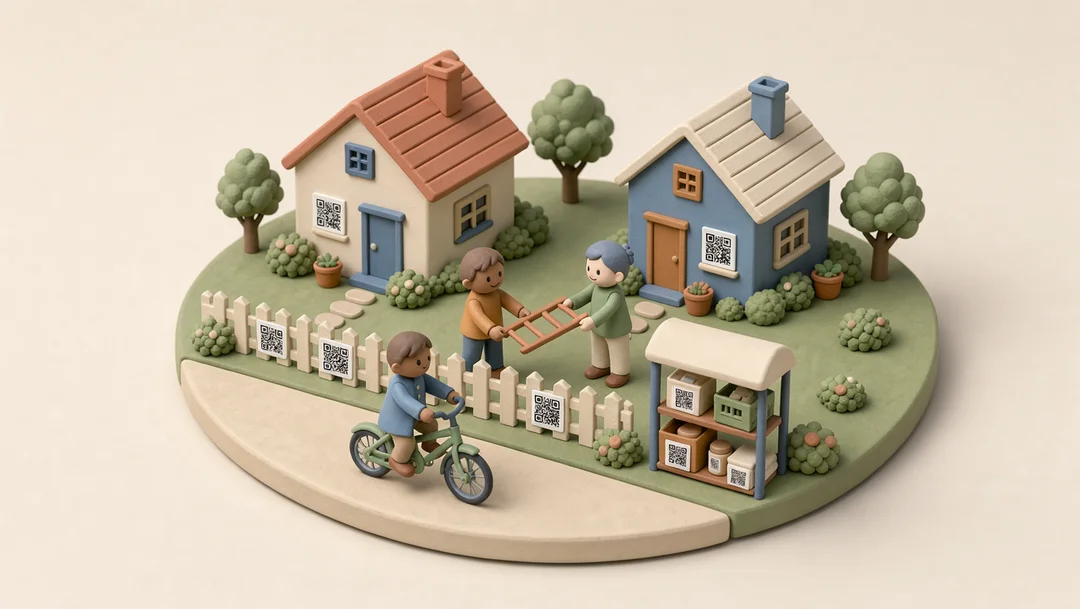
Make a group for your family, your street or your Buy Nothing circle. Offer what you no longer need, let people ask for it, and decide who it goes to. Everyone you invite joins free.
How it works
1 Make a group
Give the group a name and a colour, then invite people by email or share a join link. When someone asks to join, you approve them.
2 Share what you choose
Share with one person or a whole group, to look at, to edit or to help run things. Each share covers what you choose and nothing else.
3 Offer it
Offer one item, a whole box or a whole room, to chosen groups or to everyone you share with. Things with a count can go in parts: two of the six chairs.
4 Ask and decide
Anyone you offered to can ask for it, with a note. You approve, or say not yet, and KindlyQR keeps a record of who it went to.
5 Talk on the item
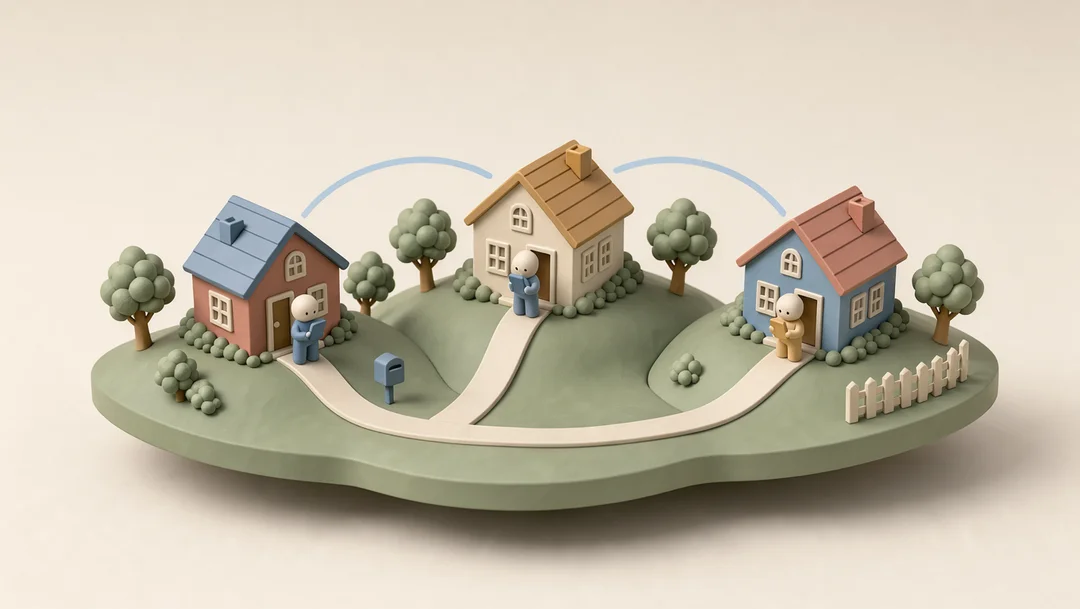
Comment on an item, reply, and @mention someone so they hear about it, instead of scrolling back through a group chat.
Pricing
Everyone you invite joins free. The free plan includes one group of your own; Plus has no limit.
$0
A household getting organized
$49a year
A home you want fully on record
Your data is never held hostage: viewing, editing and the CSV export stay free on every plan.
Questions
Only the groups or people you offer it to. Nothing is public unless you list it on FleaMarket.
Yes, a free one. They join through your email invite or the group’s link, and you approve requests to join.
Both requests show on the item and you decide. Things with a count can be split: two chairs to one person, four to another.
Yes. The free plan includes one group of your own; join as many as you’re invited to.
You arrange it between yourselves, on the item’s comments. KindlyQR keeps the record of who it went to.
Lena Could I pick up the stroller after work on Thursday?