Free
$0
A household getting organized
- 300 items
- 50 photo scans a month
- One home, one group
- Try one estate: 3 people, 100 items
Home inventory
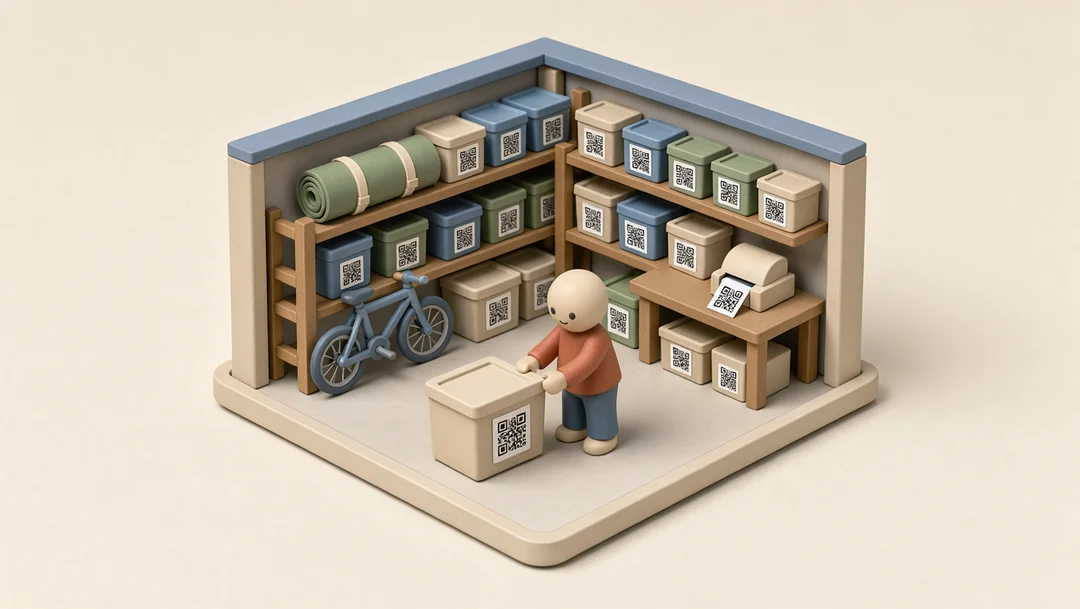
Garage, shelf B, bin 7. KindlyQR knows because you took one photo when you put it away. Search your home the way you search your email.
How it works
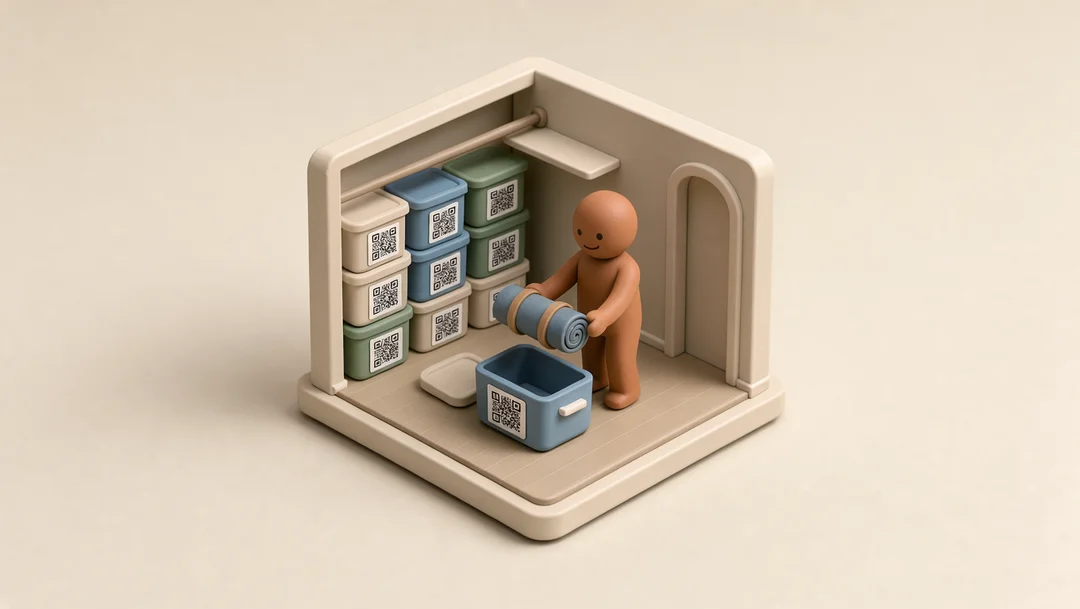
1 Photograph as you go
Take a picture and KindlyQR fills in the name and a short description. Fix anything it got wrong. Do a shelf at a time, or a box as you pack it.
2 Give everything a place
Arrange it the way your home really is, boxes inside closets inside rooms. Print QR labels on any printer and stick them on the bins.
3 Find it
Type a word and see the item, its photo and exactly where it is. Or point your phone at a label to see what’s inside without opening it.
4 Decide what stays
See what you already own, mark what to keep and what’s an heirloom, offer the rest to family or a group, or list it on FleaMarket.
5 Keep a record
Plus adds an insurance report: photos, values, purchase dates and serial numbers, with totals for each location, as a PDF. The spreadsheet export is free on every plan.
Pricing
Share with everyone in the house at no cost.
$0
A household getting organized
$49a year
A home you want fully on record
Your data is never held hostage: viewing, editing and the CSV export stay free on every plan.
Questions
Name your rooms and you’re ready. Start with one shelf or one box and add the rest as you put things away.
No. Labels help with boxes you don’t want to open; everything is also searchable by name, room and box.
The item’s name and a short description, from the photo. You can change both. Free includes 50 scans a month; Plus has no limit.
You keep everything and can still look at, edit, search and export it. Adding item 301 needs Plus ($49 a year).
Yes. Share the whole home, one room or one box, to look at or to edit. People you invite join free.