Free
$0
A household getting organized
- 300 items
- 50 photo scans a month
- One home, one group
- Try one estate: 3 people, 100 items
Insurance records
Photograph your things room by room and add what each one is worth. KindlyQR turns it into a report with photos, values, purchase dates and serial numbers, and keeps it current as things change.
How it works
1 Walk through
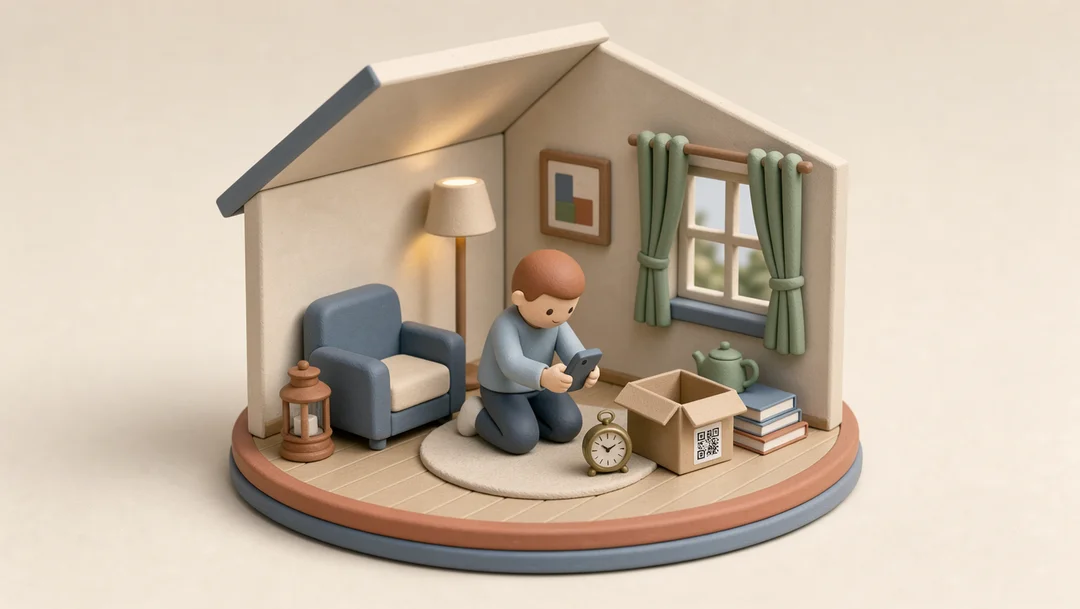
Take a picture and KindlyQR names the item and writes a short description. Fix anything it got wrong. Do one room at a time and stop whenever you like.
2 Add the details
Every item has a place for its value, purchase price, purchase date and serial number. Fill them in for the things that matter and leave the rest.
3 Keep it by room
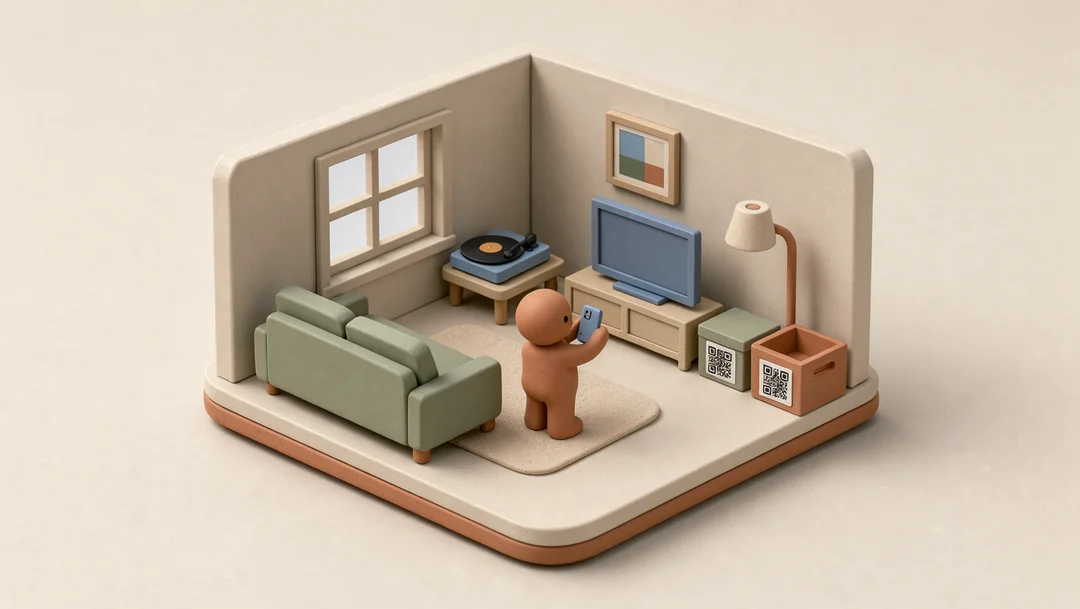
Rooms, closets and cabinets, the way your home is arranged. Things that come in sets keep a count, so six dining chairs are one line, and the report multiplies the value by the count.
4 Download the report
The insurance report lists every item with its photo, details and value, with a total for each location and for the whole home. Report on everything or one location, add a title and who it’s for, with or without photos.
5 Keep a copy
Download the whole inventory as a CSV file on any plan, values and serial numbers included. Keep it with your other papers.
Pricing
The spreadsheet export is free on every plan.
$0
A household getting organized
$49a year
A home you want fully on record
Your data is never held hostage: viewing, editing and the CSV export stay free on every plan.
Questions
Each item’s photo, name, description, quantity, value, purchase price and date, serial number and where it is, with a total for each location and for the whole home. Leave the photos out for a shorter file.
KindlyQR doesn’t work with insurers directly. The report is your own record, to keep and to send; ask your insurer what they need for a claim.
No. You enter the values and KindlyQR adds them up. Items without a value are still listed and counted, so you can see what’s left to fill in.
Everything except the PDF report: 300 items, 50 photo scans a month and the spreadsheet export. Plus ($49 a year) adds the report, unlimited items and scans, and more than one home.
No. Photos are enough for a household record. QR labels are for boxes and bins you don’t want to open.